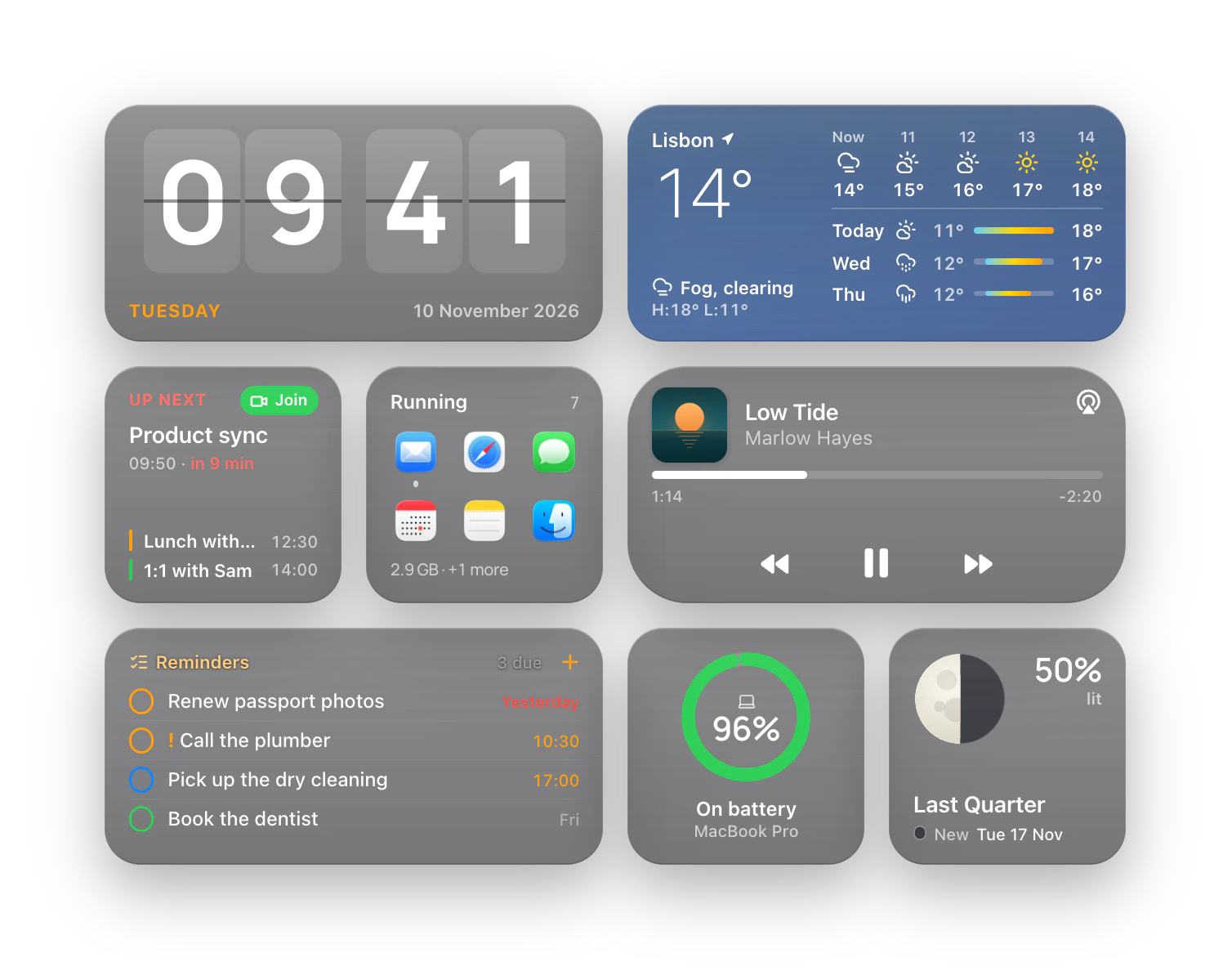
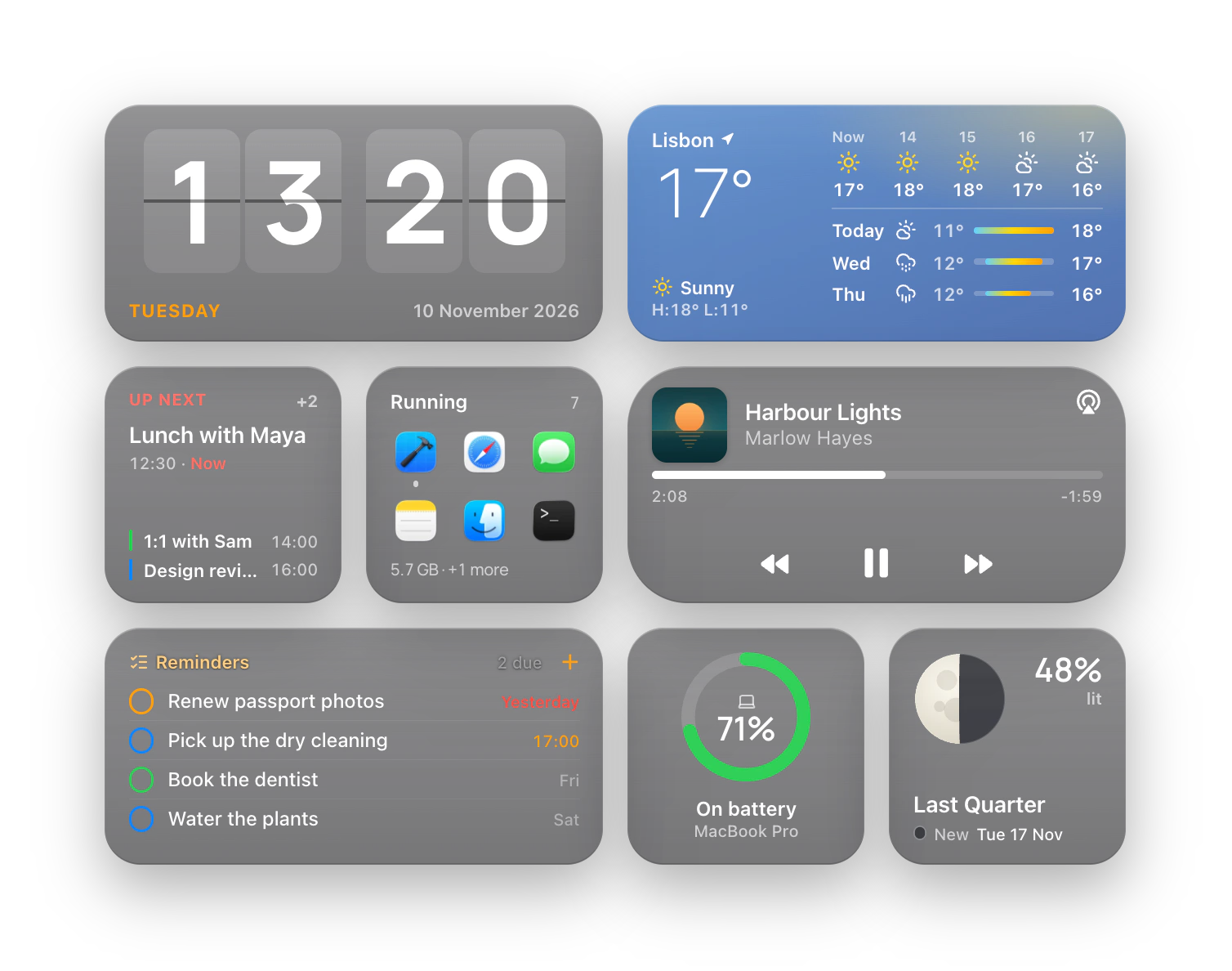
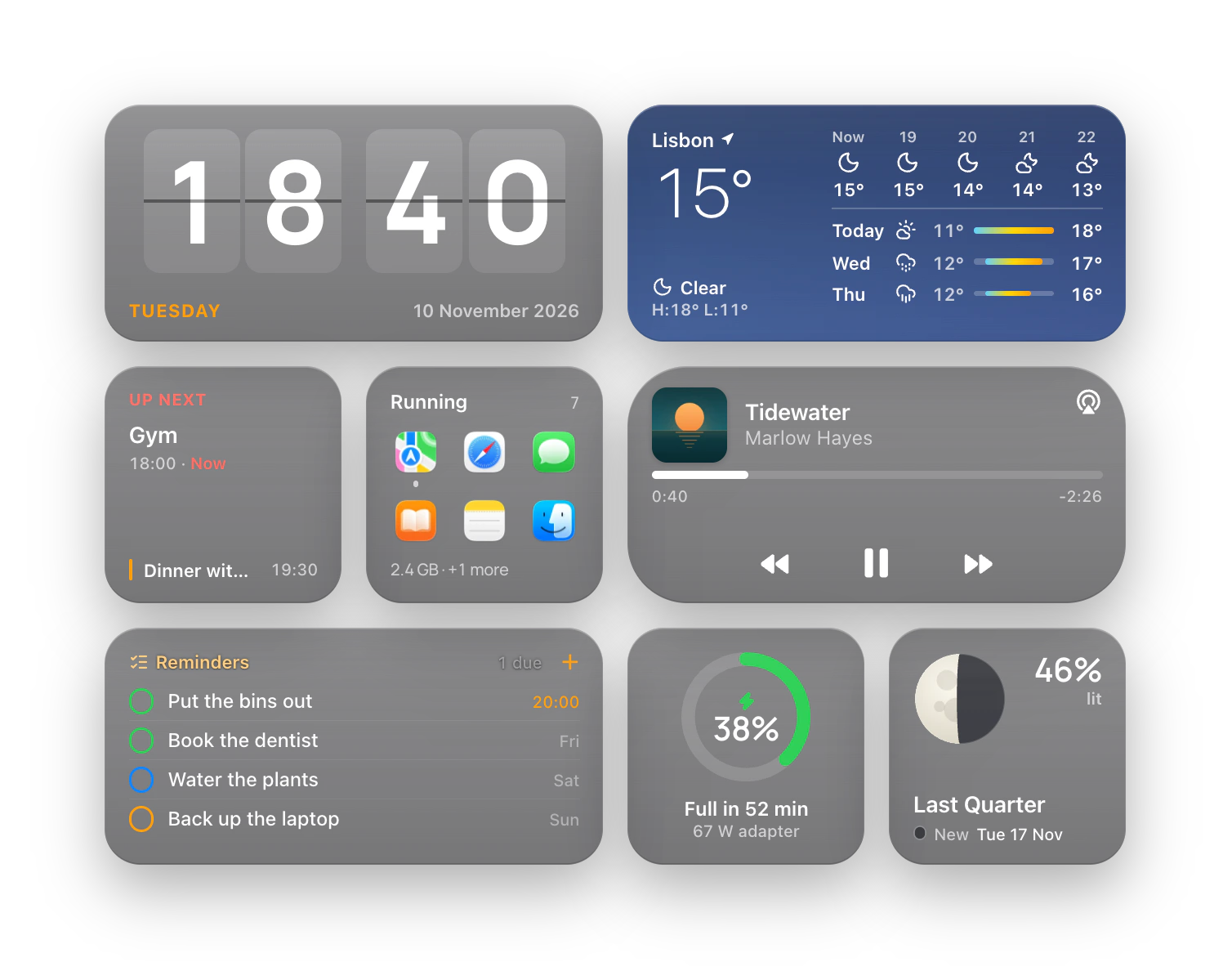
713 widgets, in six collections.
Native, Something, Frustrated Labs, Colors, Afterglow and Quirky: from Control Centre’s own look to pixel pets.
Browse the Index Hyper Widgets
713 live widgets, each at its own size and in seven themes: on your desktop, in Hyper Island and in Hyperlaunch.
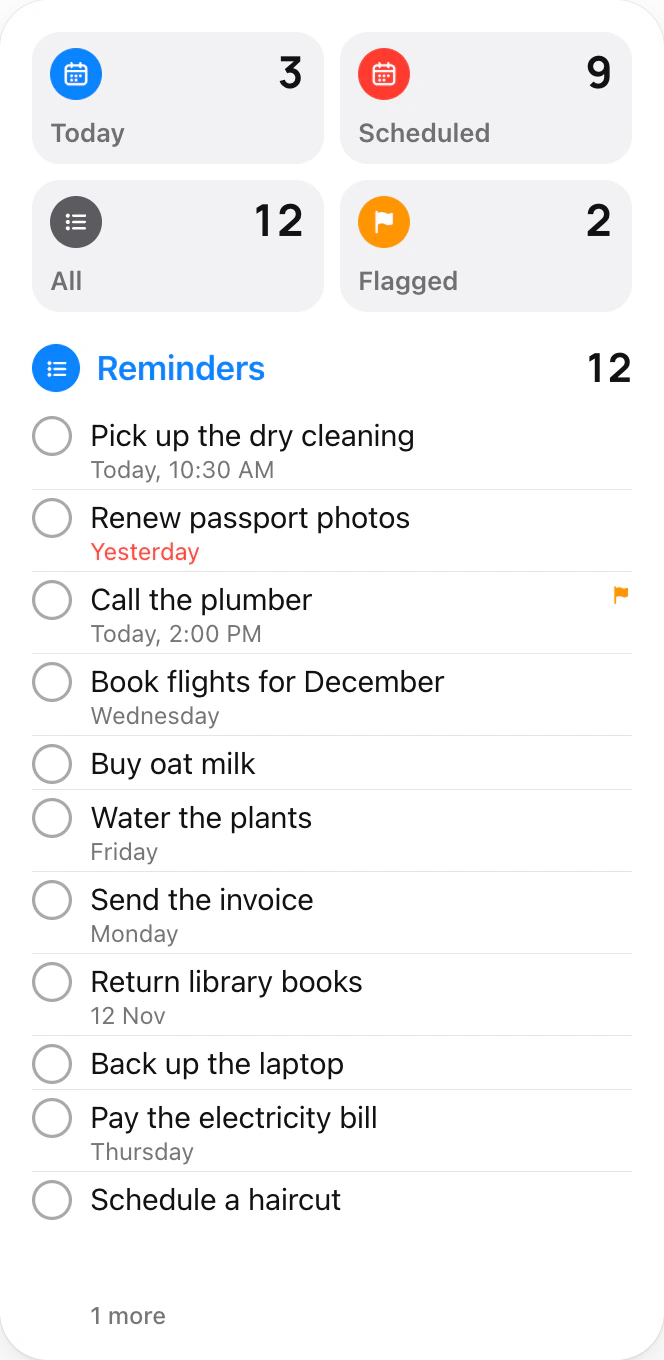
Live: press play, tick a reminder, drag the volume
The desk re-themes as you scroll: Black, Light, Light · Blur, Liquid Glass, Frost Glass, Frustrated Labs and FL · Ink.


Native, Something, Frustrated Labs, Colors, Afterglow and Quirky: from Control Centre’s own look to pixel pets.
Browse the IndexGlass that takes your wallpaper’s colour, plain light and black, and Frustrated Labs’ paper and ink.
BlackPure black, a hairline
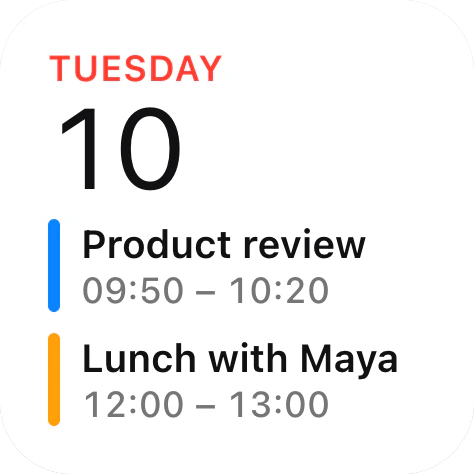
LightWhite, a soft shadow
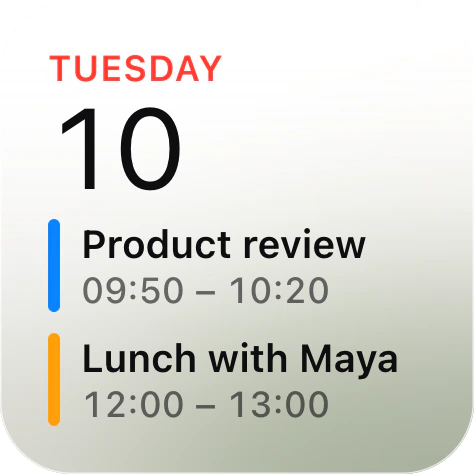
Light · BlurFrosted white glass
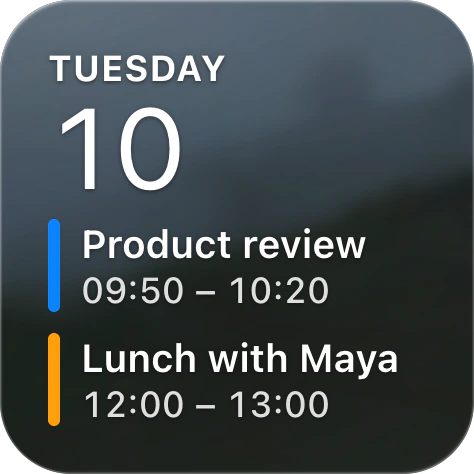
Liquid GlassA clear lens, white ink
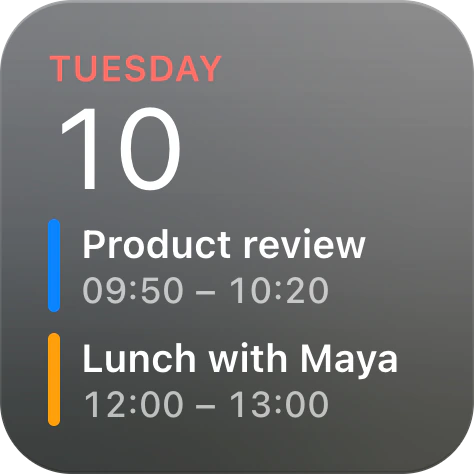
Frost GlassDark glass, lit above
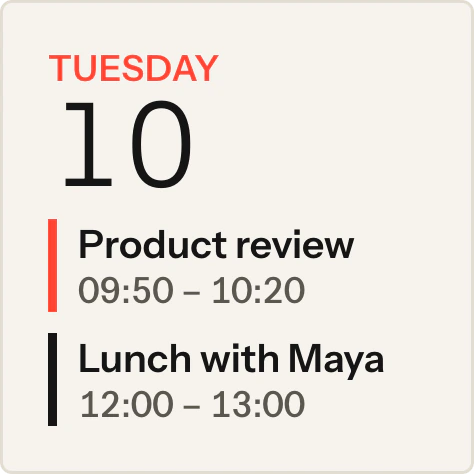
Frustrated LabsPaper, ink, one red
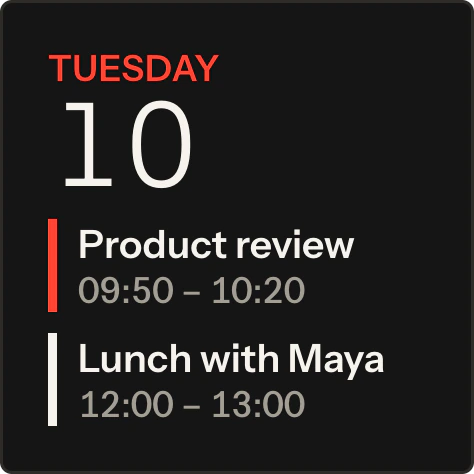
FL · InkThe same, in ink
Pick one for every widget, or give one widget its own.
Control Centre’s modules, glass sliders and switches, Lock Screen gauges and everyday widgets, drawn the way your Mac draws them.
74 widgetsSee them in the Index


Your batteries, what’s playing and the Mac’s own CPU, memory and disk, live; your calendar once you allow it.
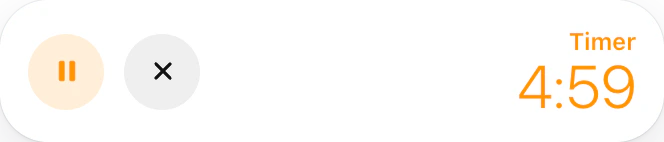
Start a timer, drag a slider, flip a switch or pause the music, without opening an app.
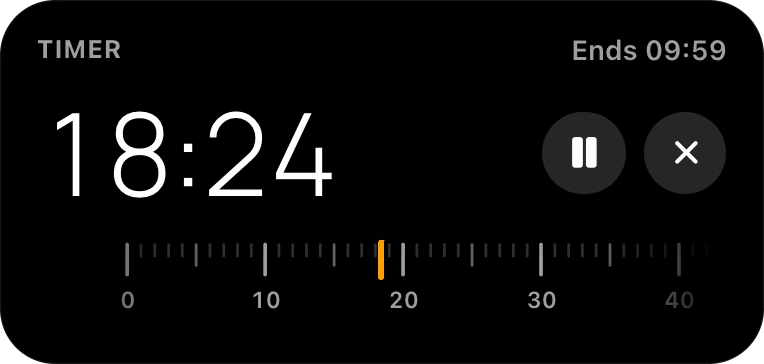
Start a timerIt counts down on the widget.

Drag a sliderKeyboard light.
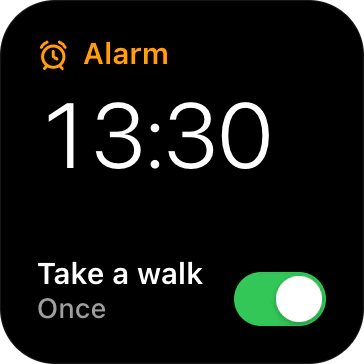
Flip a switchThe walk’s alarm is set.
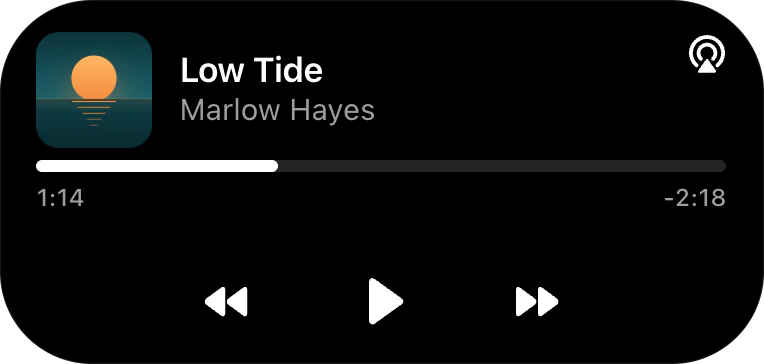
Pause the musicAnd skip, and seek.
Widgets sit on the grid at their own size, under your windows, and keep up from morning to evening.
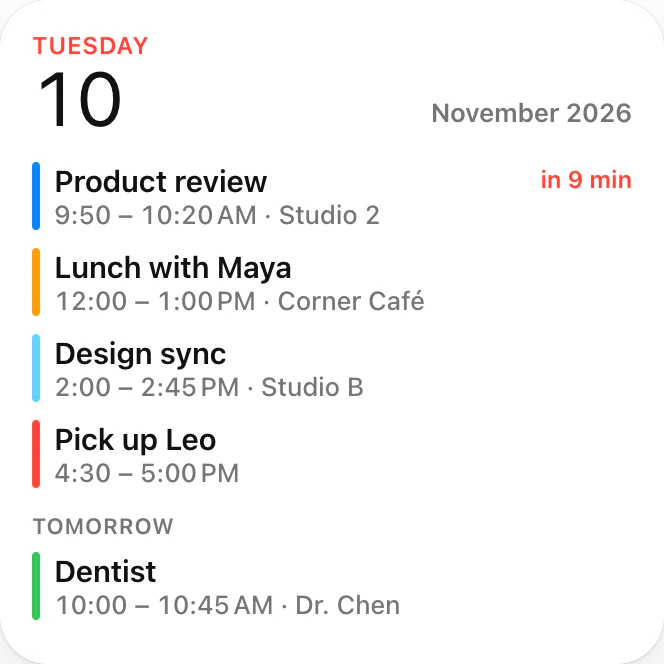
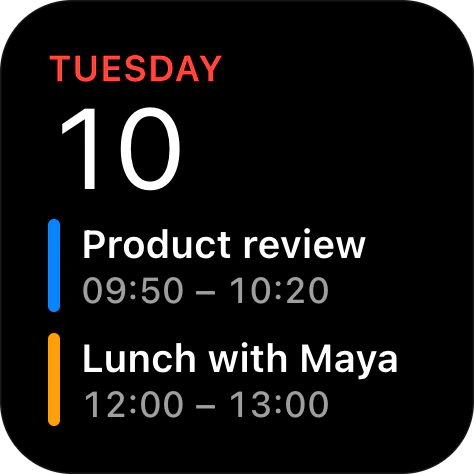
The time, the day’s weather, your next meeting, what’s due and what’s playing. All included with the app.
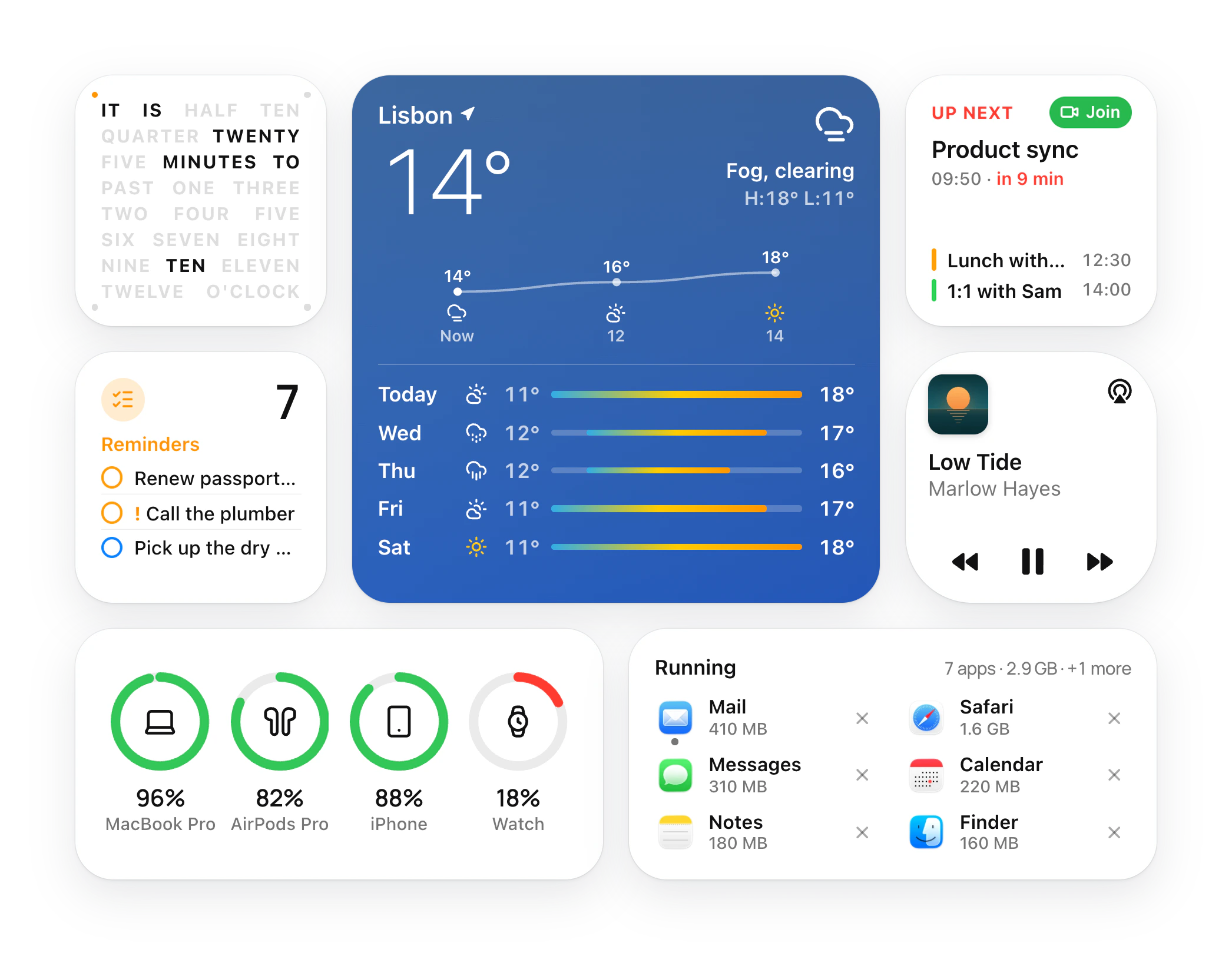
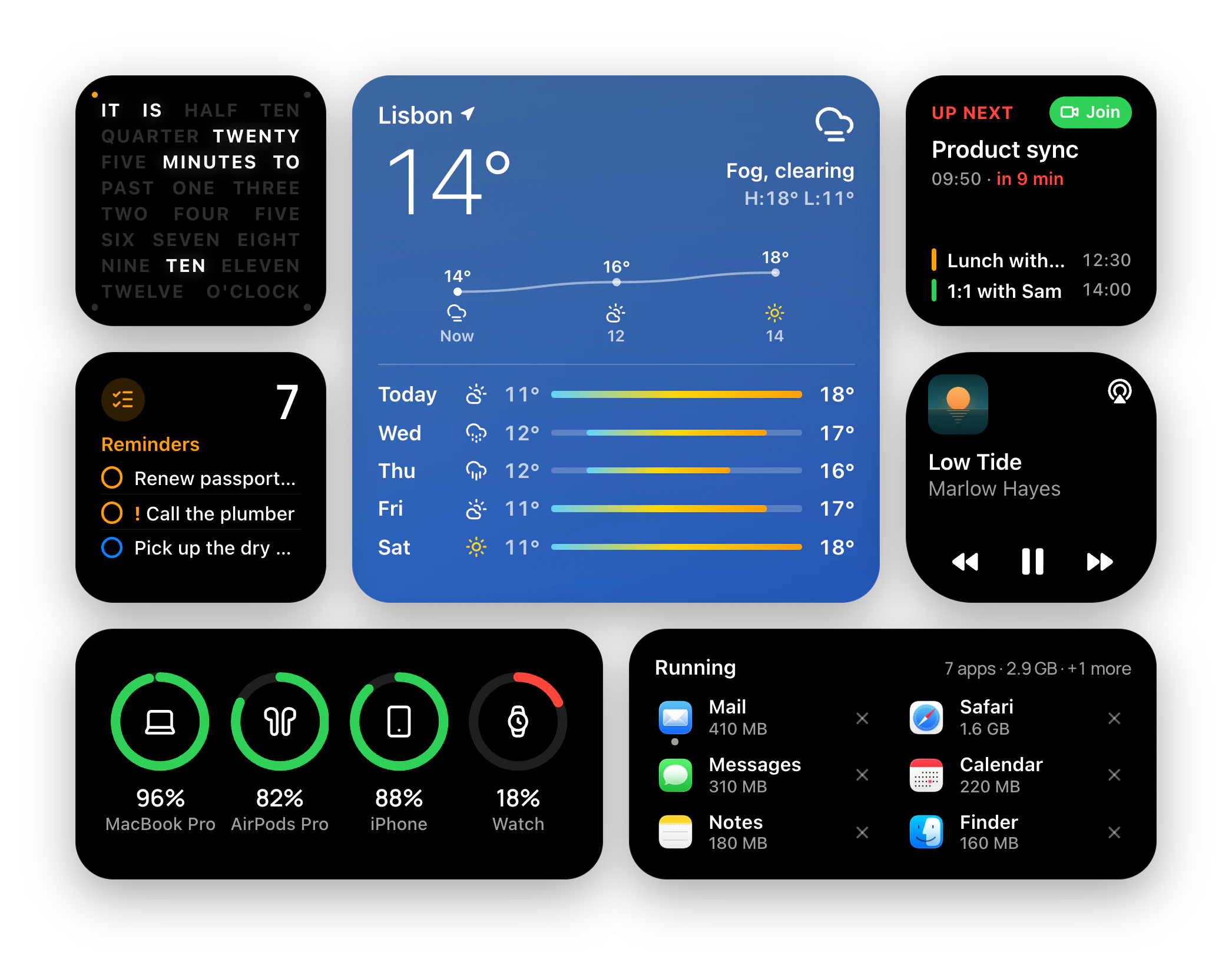
From the system’s own look to dot matrix, the house grid, flat colour, glow and toys.
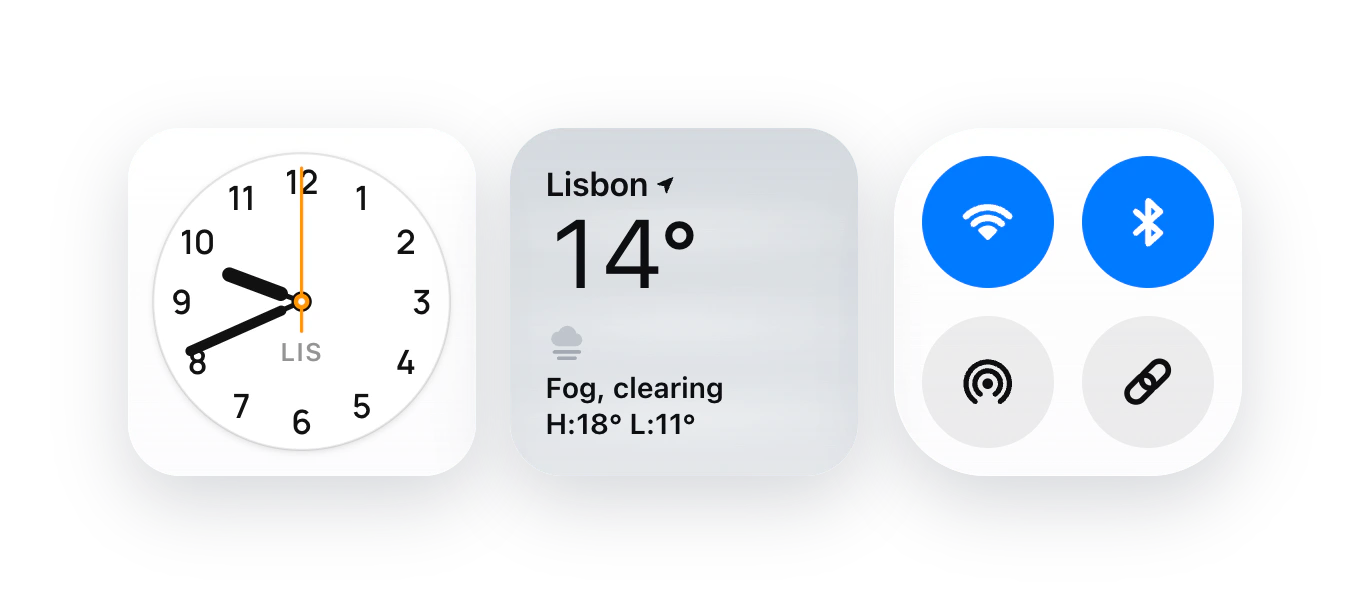
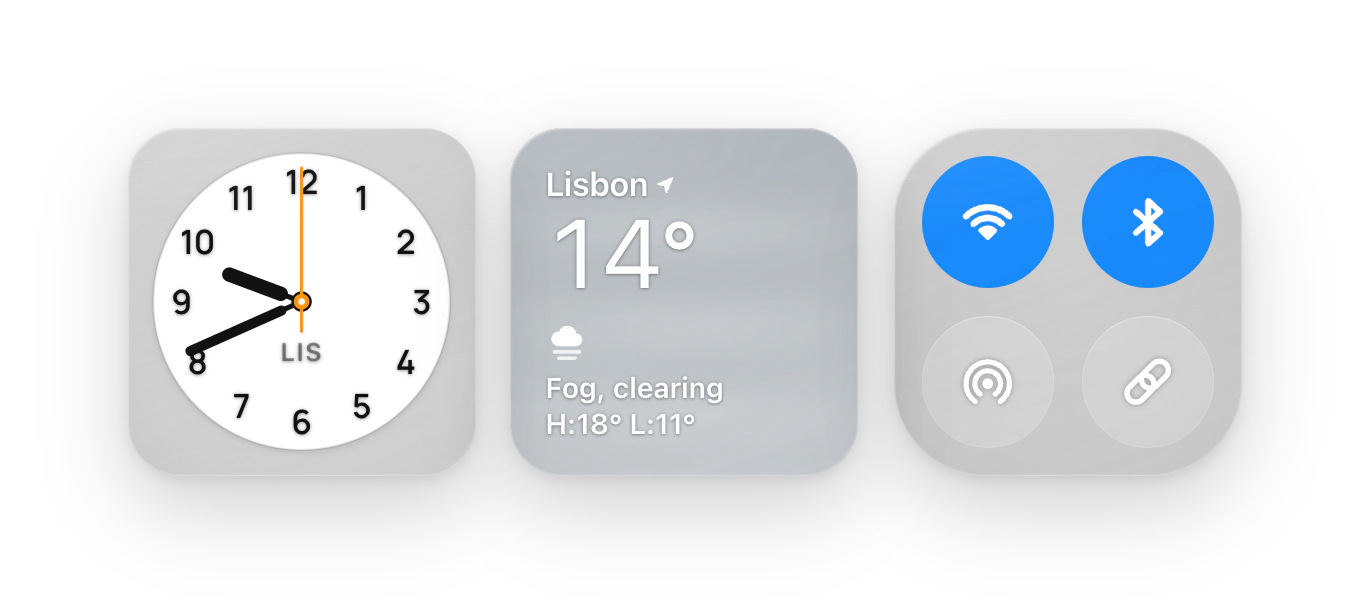 NativeThe system’s own look74 widgets
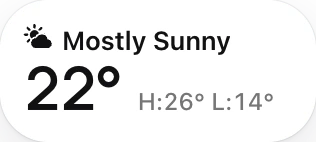
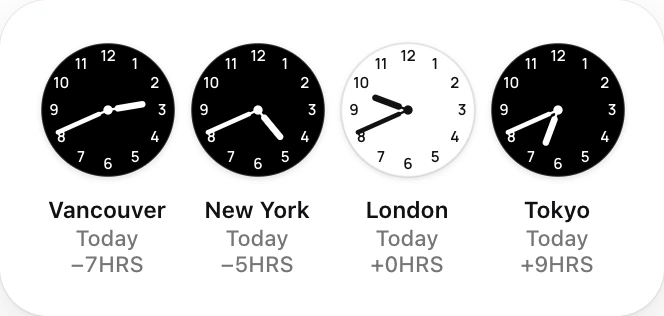
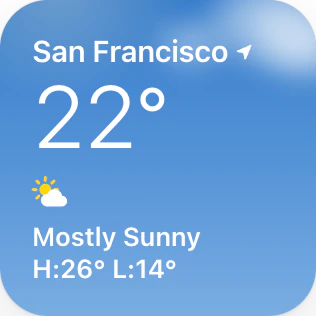
: a Lisbon clock, the weather and Control Centre’s Wi-Fi, Bluetooth and AirDrop. Open them in the Index.
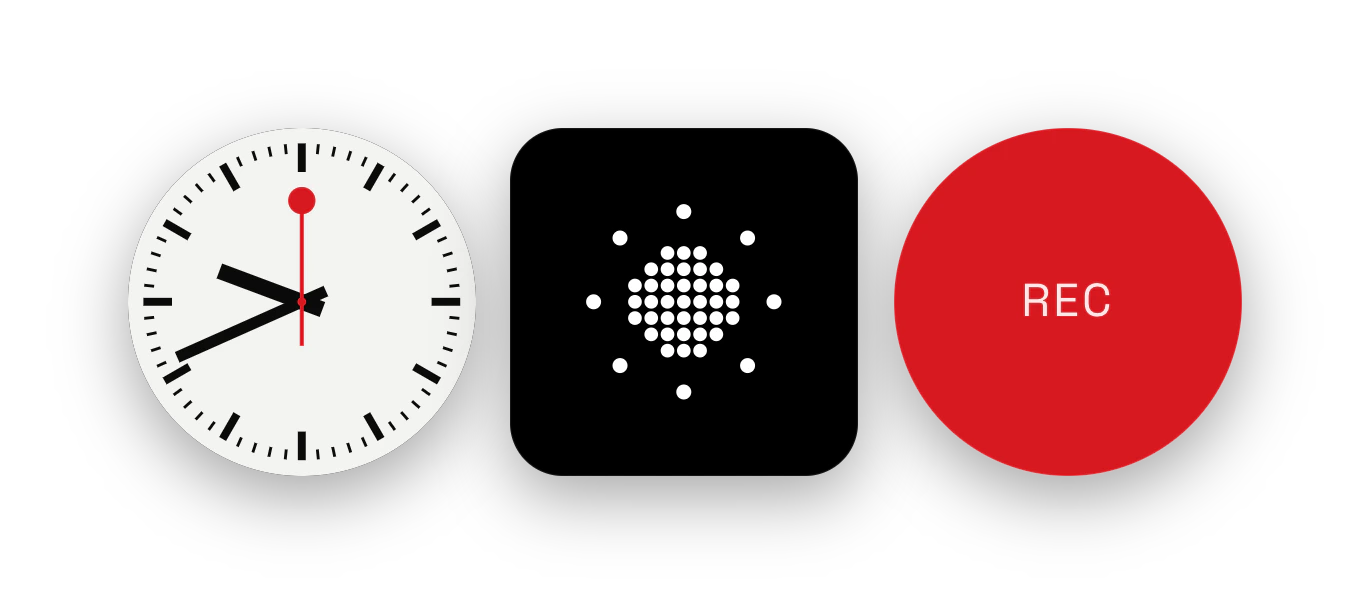 SomethingDots, circles, red and black92 widgets
: a station clock, a dot-matrix sun and a red record button. Open them in the Index.
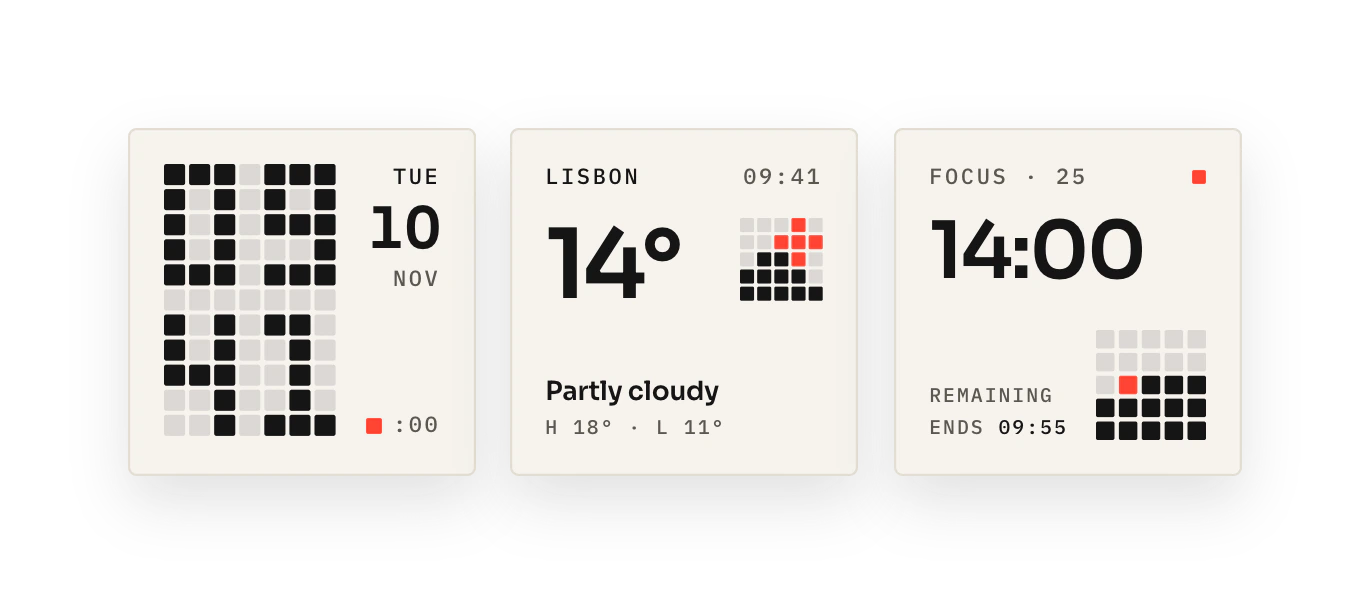
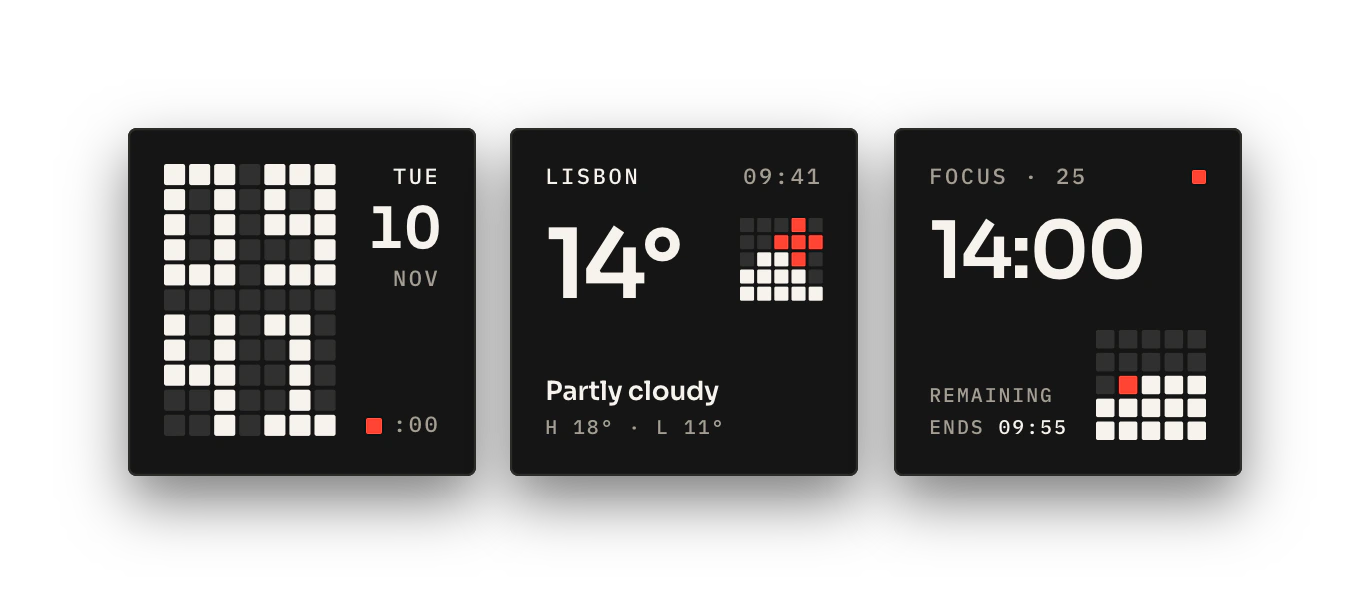 Frustrated LabsGrid type and one red35 widgets
: a grid clock, Lisbon’s weather and a focus timer, on paper or in ink. Open them in the Index.
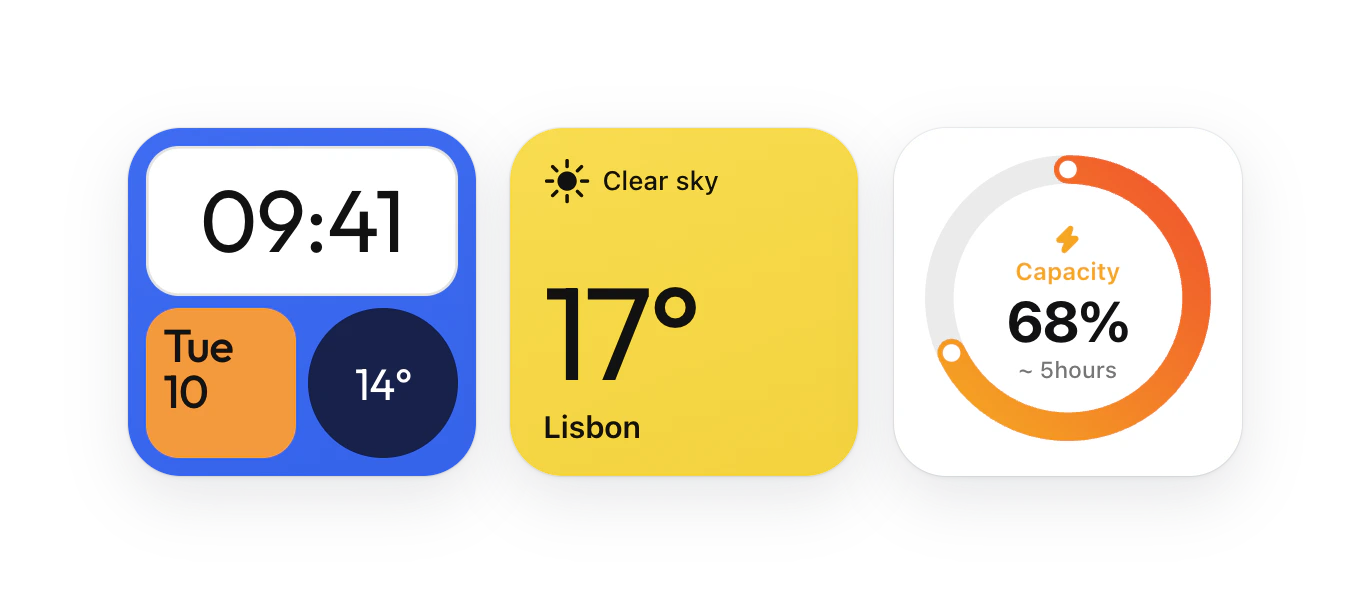
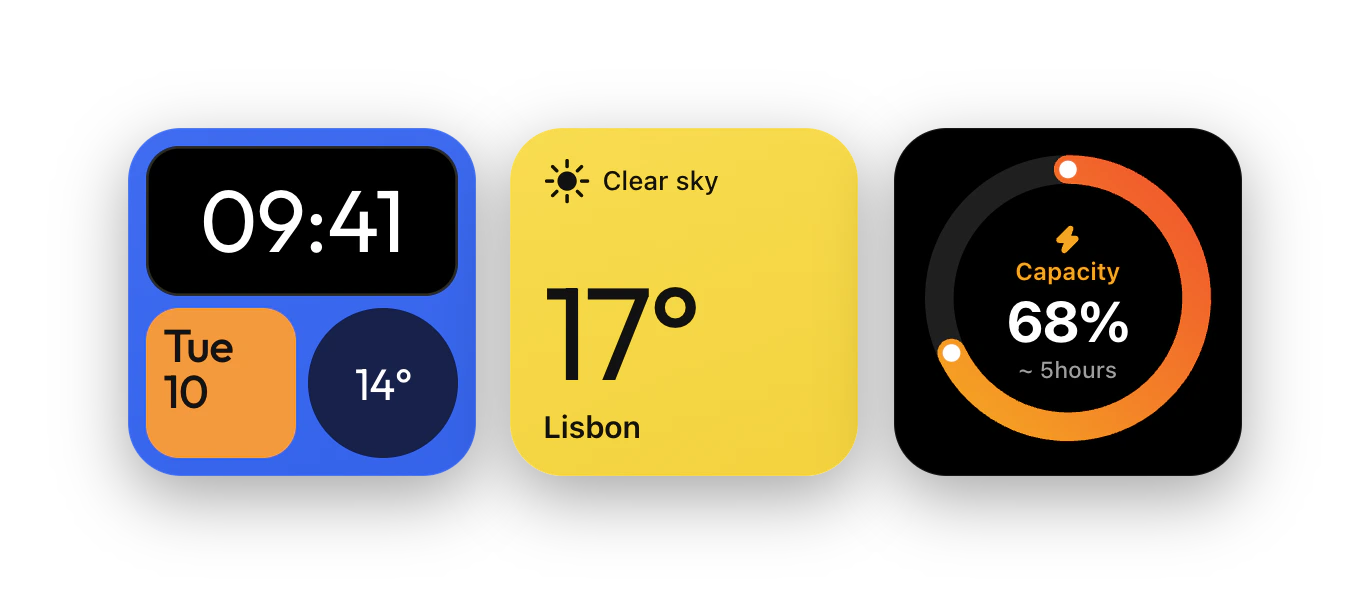 ColorsFlat colour, clean type406 widgets
: the time in blue, the weather in yellow and a battery ring. Open them in the Index.
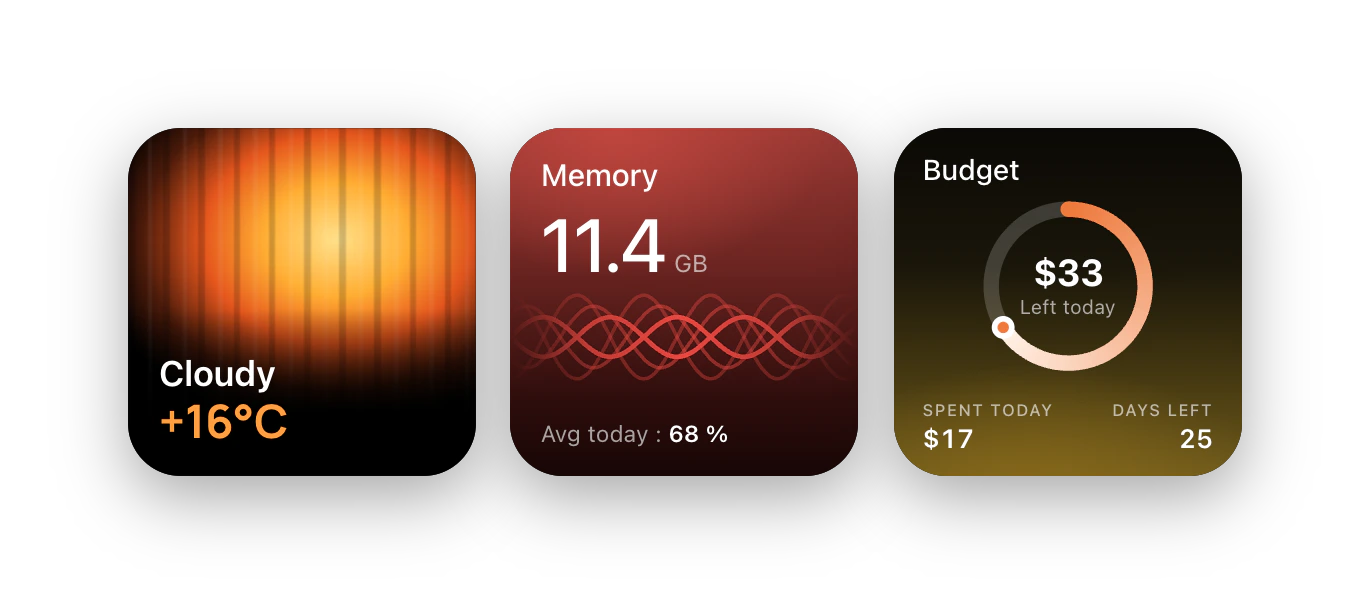 AfterglowColour that glows66 widgets
: glowing weather, the Mac’s memory in red and a budget ring in amber. Open them in the Index.
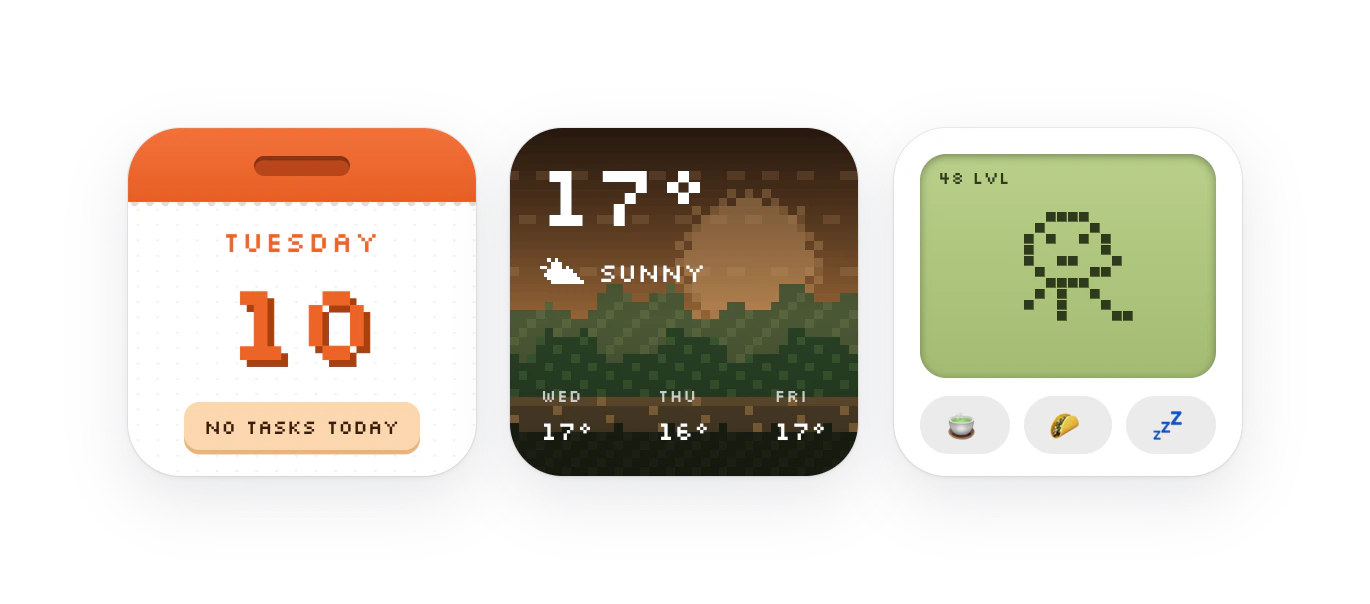
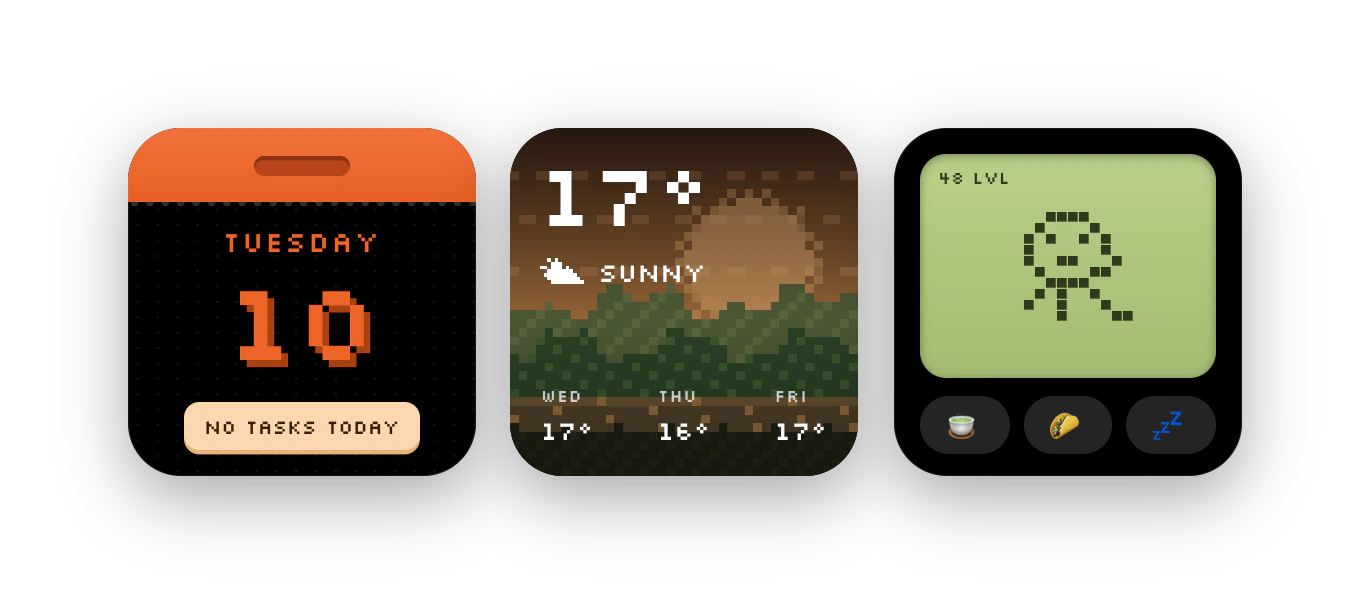 QuirkyPixel pets and toys40 widgets
: a pixel calendar, a pixel landscape and a virtual pet. Open them in the Index.
Hyper Widgets, Hyper Island and Hyperlaunch place them on one grid of 71-point units, each at the size it was drawn for.
Your widgets unlock in Hyper Widgets, Hyper Island and Hyperlaunch, and each app draws them in its own glass.
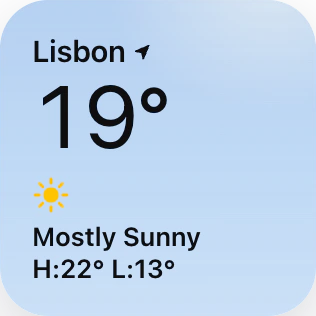
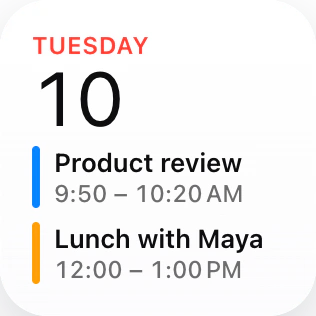 Hyper WidgetsOn your desktop, under your windows.
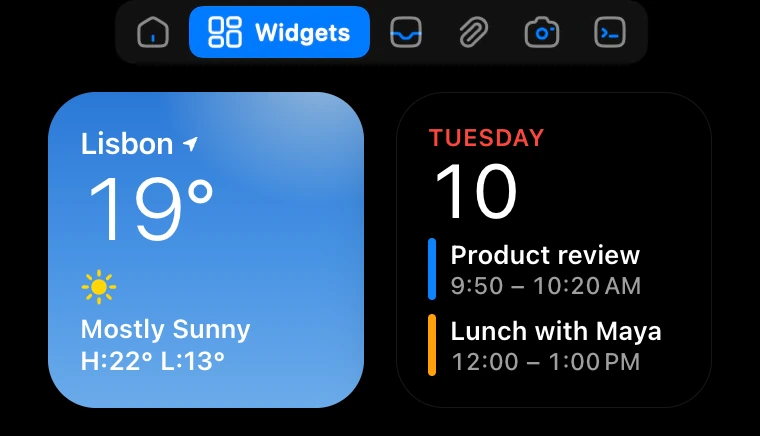
 Hyper IslandIn the panel under the notch.
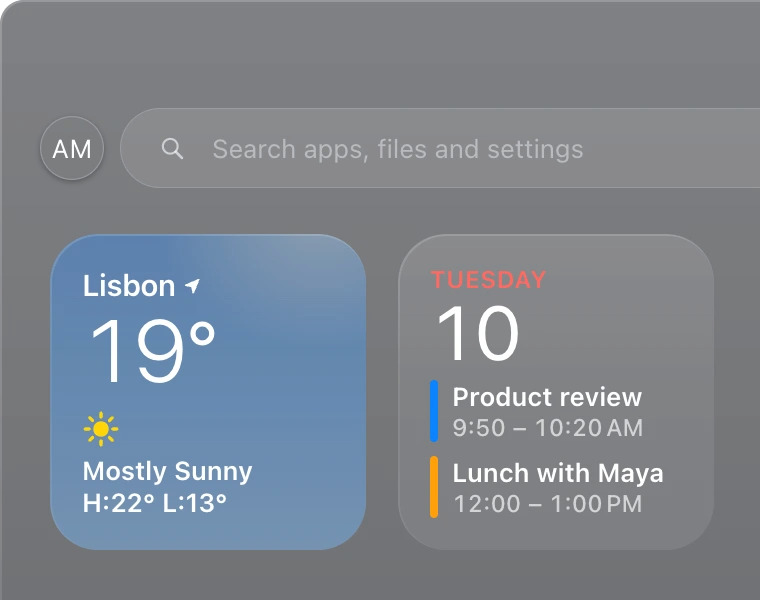
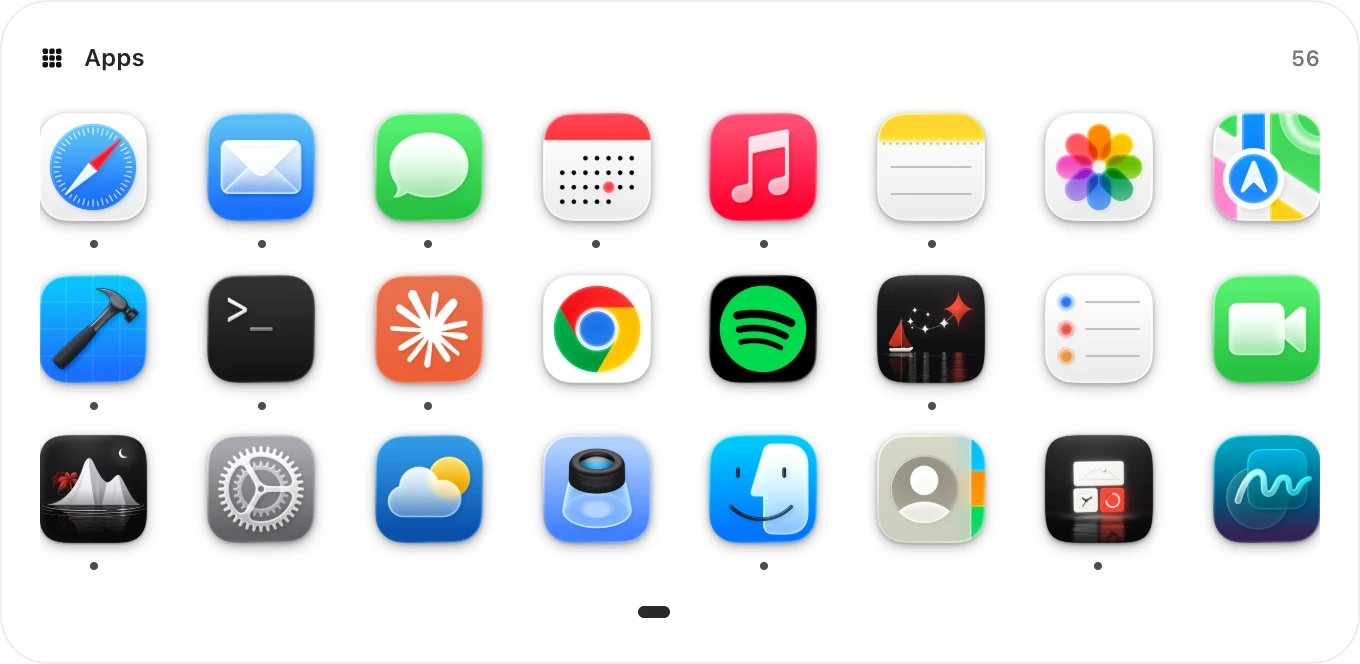
 HyperlaunchOn the sheet that replaces Launchpad.
Batteries at five sizes, each laid out for it. 109 widgets come in more than one size.
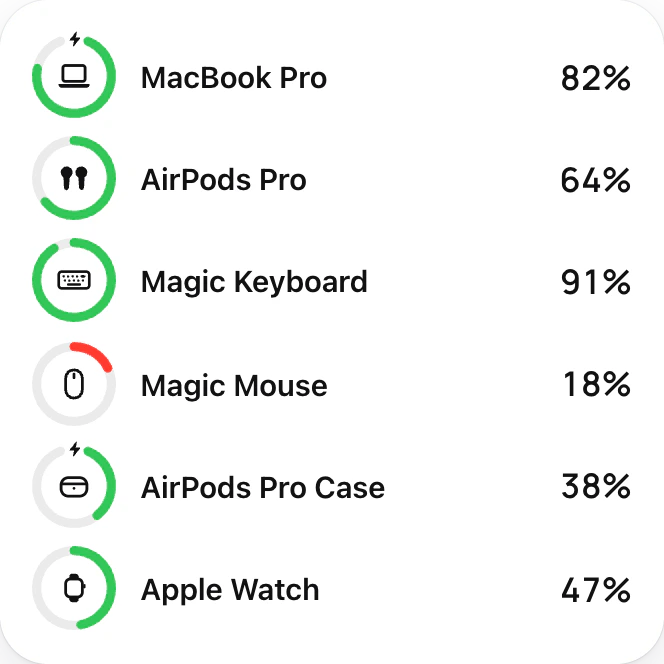
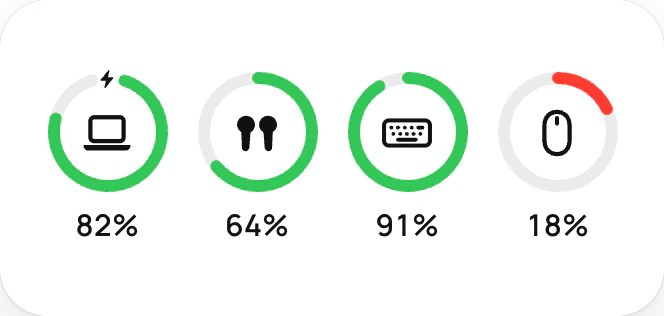
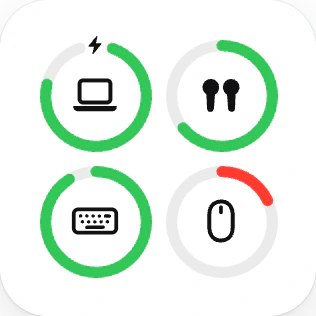
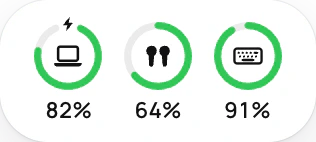
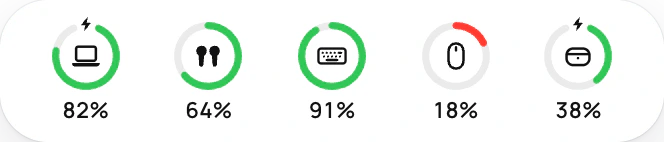
Every side is 1, 2, 4 or 8 units of 71 points, so any mix fits with no gaps.
Long commands as they finish, Claude Code’s requests with Allow and Deny, your agents’ usage and git.
Describe one to your coding assistant; Hyper Island runs its code on a schedule. Off until you turn it on.
Put my CI on the desktop, and tell me when main fails.
 Claude Code
Show me the Moon tonight, and when it’s full.
Claude CodeSomething beautiful that moves, only while I’m looking.
 OpenCode
A reading tracker with a Done button for today.
OpenCodePick a colour anywhere and copy it as HEX, RGB or HSL, beside your wallpaper’s own palette.
Search, or browse by collection, use and size; open any widget for its sizes, themes and what it reads.
No widgets match “”.
Hyper Widgets comes with 115 widgets. Starter and Pro add more, in every Hyper app at once. Not for you? A full refund within 14 days, no questions.
or $9 a year
The desktop app, with the 115 included widgets.
14-day refund, no questions
Starter: 43 hand-picked widgets, 158 with the included ones.
Pro: All 713, while it’s paid. If it ends, Starter stays if you bought it.
14-day refund, no questions
Founder’s price for the first 300, then $149; or $39 a year
Every Hyper app, Widgets Pro, and the apps we release in the next two years.
14-day refund, no questions
115 widgets come with any paid Hyper appBuy Hyper Island, Hyperlaunch or HyperTrail and they’re yours, here too.
14-day refundNot for you? Email us and get your money back, no questions.
Yearly, while it’s paidA yearly plan works while it’s paid, plus a week’s grace. Cancel anytime.
Coming January 2027. Nothing is on sale yet: “Get notified” sends us an email, and we’ll write once, when it’s out.
Anything else? Email us and a person will reply.
A Mac with macOS 14 Sonoma or later. On macOS 26 the glass themes use the system’s own Liquid Glass.
Hyper Widgets comes with 115 widgets: the everyday basics, a few essentials and Native’s Control Centre widgets. Starter adds 43 hand-picked ones for a one-off $9, 158 in all. Pro opens all 713 for $19 a year.
From your Mac. Hyper Data, a small helper that comes with the app, reads it on your Mac: your calendars and reminders (with your permission), photos, what’s playing, the Mac’s CPU, memory, storage and network, its power and the batteries of nearby devices, and your Focus. A few sources come from the internet, such as the weather (from MET Norway), air quality, stocks, currency rates and news, and a few need a permission or your own key.
What the helper reads stays on your Mac. The details are in the privacy policy.
Only what a widget you place needs, and only when you click it. A widget that needs your calendars, reminders, photos, Focus, location, contacts or mail shows a quiet Allow button; macOS asks when you press it, never when the app opens.
Yes. Both draw the same library in their own cells, at the same design sizes. It’s one licence file: enter it once in Hyper Widgets, Hyper Island or Hyperlaunch, and the widgets you own unlock in all of them.
Yes. Hyper Widgets is an app of its own that puts widgets on your desktop. Hyper Island and Hyperlaunch are separate apps that can show the same widgets.
Yes. Controls act in place: play and pause, skip and seek; tick off a reminder, task or habit; start and pause a timer; switch Wi-Fi, Dark Mode, Night Shift or Keep Awake; set the volume and brightness. A click elsewhere on a widget opens what it shows, such as Weather or Calendar. Anything that can’t be undone asks for a second click.
Nothing moves. A widget you placed stays where it is, dimmed, with a small Pro badge that opens the licence screen; renew and it comes back as it was. Starter stays if you bought it, and so do the 115 included widgets.
No. You pay first, and if it isn’t for you, email hello@frustratedlabs.com within 14 days for a full refund. No questions.
Hyper Widgets 1.0 comes out alongside Hyper Island in January 2027. Press Get notified and we’ll write once, when it does. Payment will go through Paddle, our reseller and Merchant of Record, as it does for HyperTrail.
A widget only redraws while you can see it. Hidden widgets draw nothing, and the whole desktop is a single web view per display.
$19 once or $9 a year, with a full refund within 14 days. macOS 14 Sonoma or later.